> For the complete documentation index, see [llms.txt](https://docs.dex.guru/llms.txt). Markdown versions of documentation pages are available by appending `.md` to page URLs; this page is available as [Markdown](https://docs.dex.guru/features/trading-history.md).
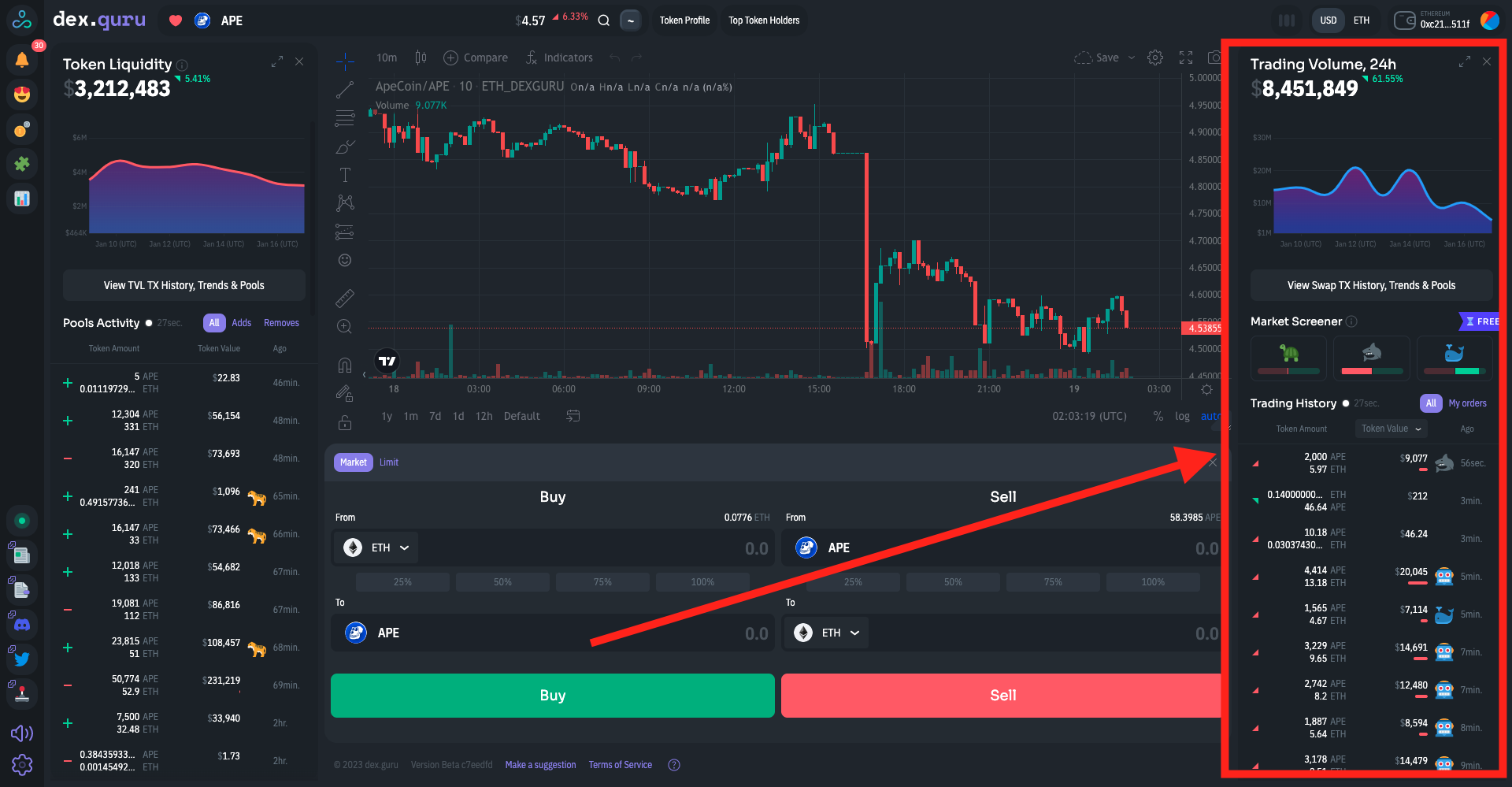
# Trading Volume and History
and trading volume
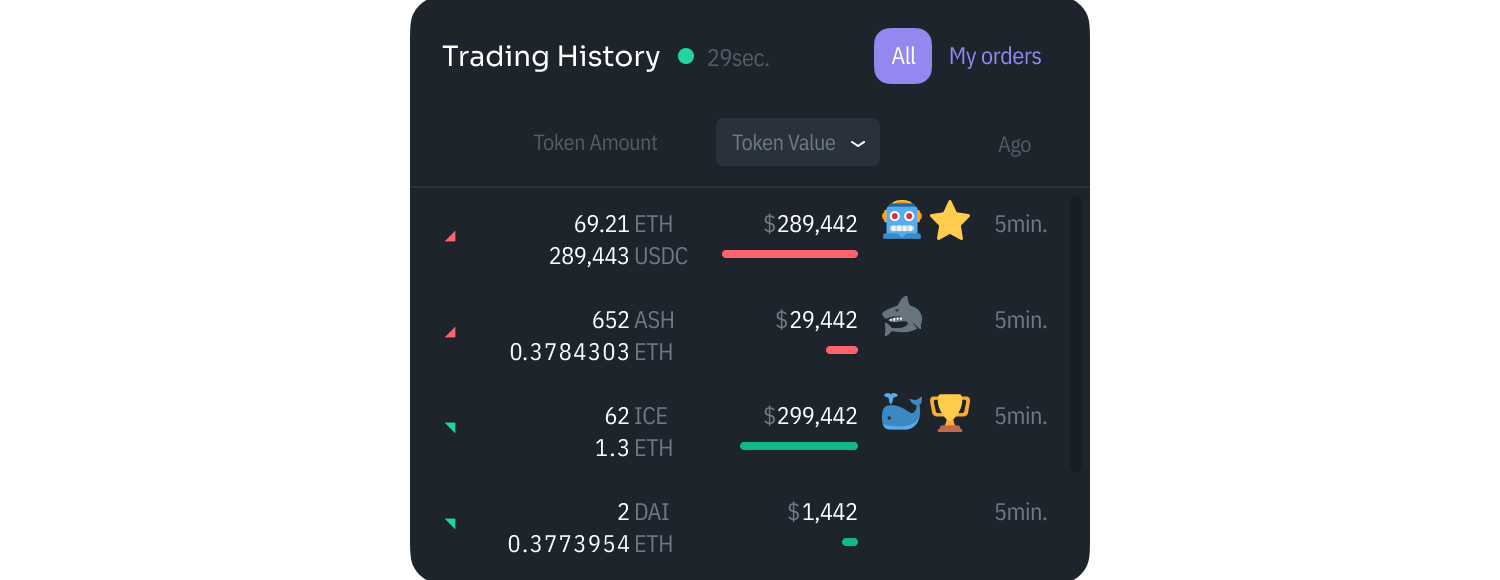
You can see a real-time transaction flow in our Trading History area.
A green arrow up indicates a transaction was a buy; a red arrow down means it was a sell.
If we have enough data about the wallet that a trader used, we will add an icon to the transaction indicating the type of trader.
#### **Icons**
🐢 - Casual Trader with $10k-$100k of a trading volume in the last 30 days
🦈 - Active Trader with $100k-$500k of a trading volume in the last 30 days
🐳 - Heavy Trader with $500k+ of a trading volume in the last 30 days
🤖 - Trader with 1000+ TXs in the last 30 days. Most likely a bot.